
Blog
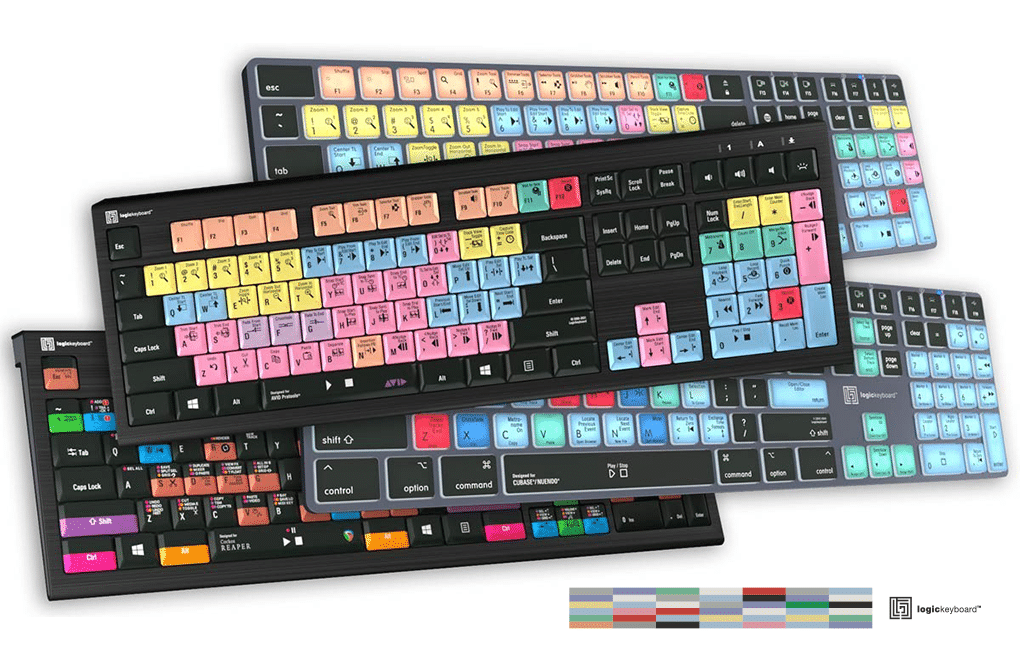
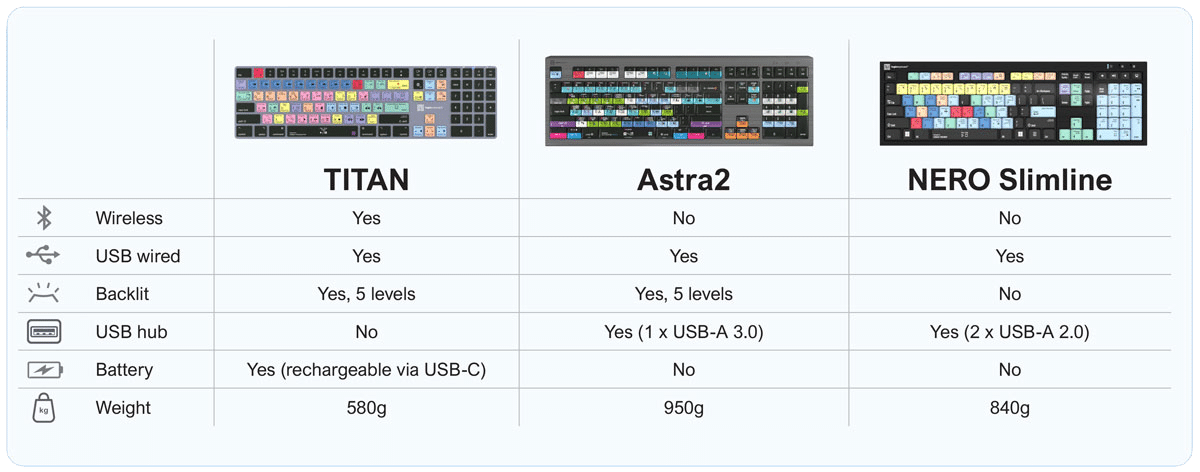
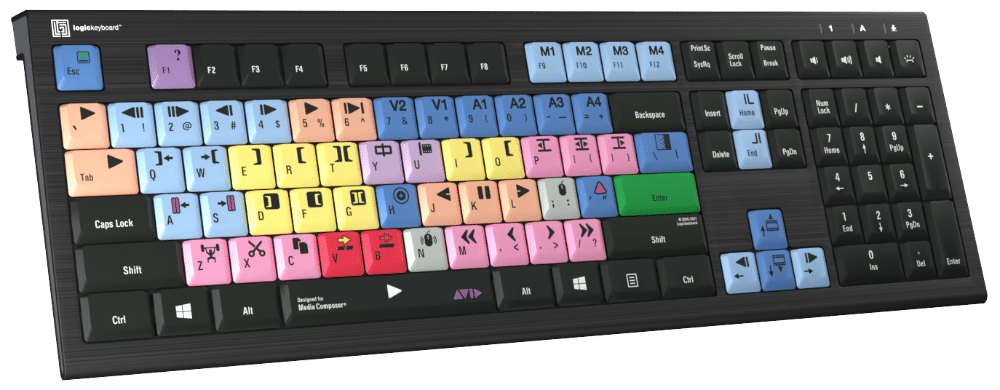
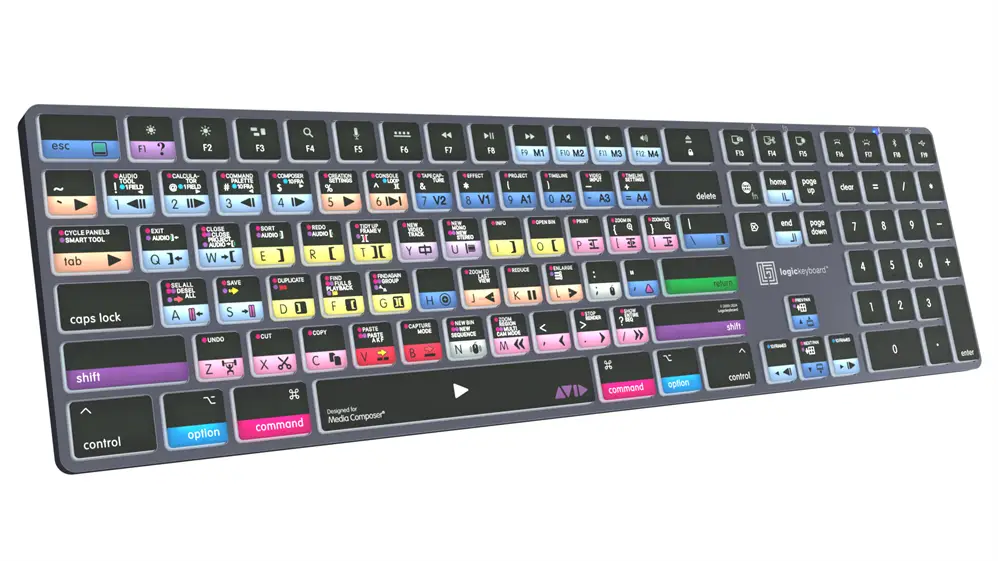
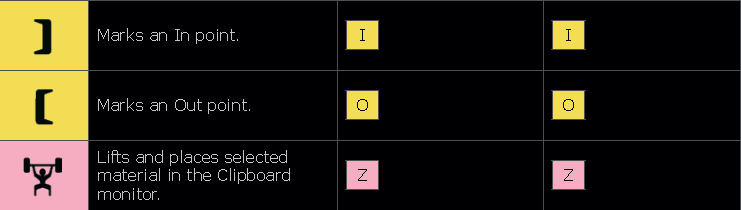
Time for an Avid keyboard upgrade?


Related Posts
A Quick Look at What’s New in EditShare 2026.3.0

A Quick Look at What's New in 2026.3.0EditShare have announced that EditShare 2026.3.0 is now available, bringing new capabilities across FLOW AI, EditShare One and...
Avid Media Composer 2024.12.7 Long Term Maintenance (LTM) Update
The Media Composer 2024.12.7 Long Term Maintenance (LTM) update was released on Thursday, October 1, 2026.This update introduces a number of key fixes and performance...

QNAP MEGA Scale-out NAS: Scalable Storage for Growing Media Workflows

QNAP MEGA Scale-out NAS: Scalable Storage for Growing Media WorkflowsLarger media libraries, higher-resolution footage and more users accessing shared files can put increasing pressure on...

Looking for an HP Anyware Alternative? Introducing Reemo
Looking for an HP Anyware Alternative? Introducing Reemo
By Mike Fitchie, Head of Technical Pre-Sales at Altered ImagesFollowing the HP Anyware end-of-sale announcement earlier this year,...

Media Composer Shared Projects: What’s changing and what it means for you.
AUGUST 24, 2026
Media Composer Shared Projects: What's changing and what it means for you
What to expect in Media Composer 2026.8
Media Composer 2026.8 is coming soon!
While...
Avid Media Composer 2026.8: What SNS Users Need to Know
Avid Media Composer 2026.8 and Third-Party Shared Storage: What SNS EVO Customers Need to Know August 25th, 2026 If your post-production team relies on Avid Media Composer...
Avid Media Composer 2026.8: What EditShare Users Need to Know
Avid Media Composer 2026.8: What EditShare Customers Need to Know Avid has announced an upcoming security and workflow-integrity change in Media Composer 2026.8 that affects users...
EditShare 2026.2.0 is now available, introducing FLOW AI.
EditShare 2026.2.0 is now available, introducing FLOW AIWe are pleased to announce that EditShare 2026.2.0 is now available, introducing FLOW AI, a transformational update to...
Avid Knowledge Base – Now Available: Avid NEXIS 2026.6 Release
Now Available: Avid NEXIS 2026.6 ReleaseThe Avid NEXIS 2026.6 update was released today, Tuesday, June 30, 2026.Avid NEXIS 2026.6 is a recommended upgrade focusing on OS modernization, cloud scalability...
Avid Knowledge Base – End of Support for Media Composer Perpetual Dongles
Avid Knowledge BaseEnd of Support for Media Composer Perpetual DonglesQA: End of Support for Media Composer Perpetual Dongles1. What is changing?Avid is ending support for...
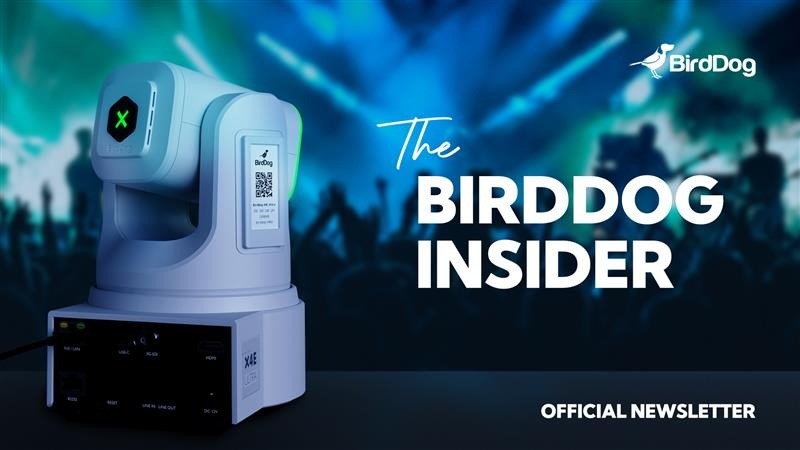
Big firmware updates across BirdDog
June 9, 2026New firmware is now available for BirdDog X1, X1 30x, X1 Ultra, MAX, and O4, bringing major workflow updates, smoother control, improved integrations,...
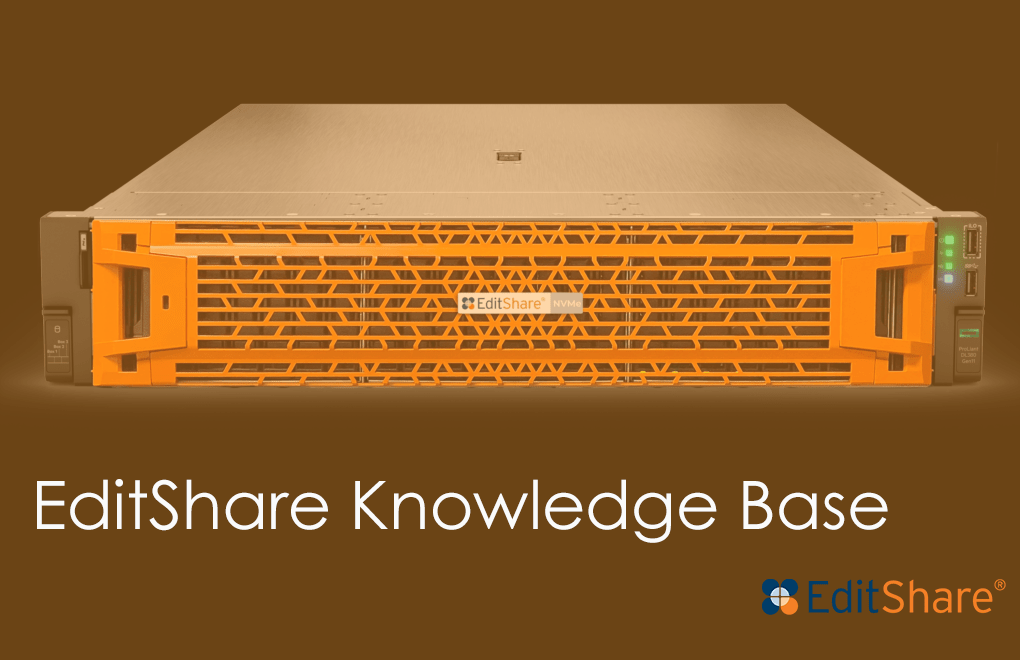
EditShare Knowledge Base – EditShare 2026.1.0 has officially arrived
We are thrilled to announce that EditShare 2026.1.0 has officially arrived, bringing a new level of personalization and security to your media ecosystem. This release...