Blog
QNAP MEGA Scale-out NAS: Scalable Storage for Growing Media Workflows
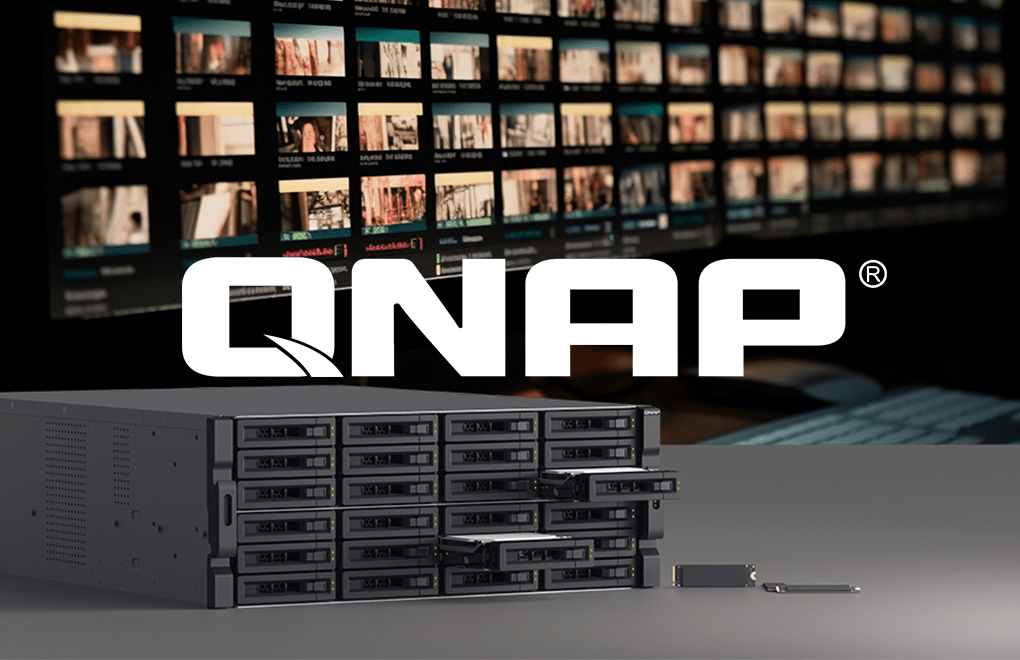
Larger media libraries, higher-resolution footage and more users accessing shared files can put increasing pressure on storage. Adding drives provides more space, but capacity is only one part of the challenge. Performance, availability and recovery also need to keep pace.
QNAP MEGA Scale-out NAS, powered by QuTS MEGA, allows organisations to expand storage across multiple nodes. The latest QuTS MEGA 2.0 release adds snapshots and cross-cluster mirroring, strengthening the platform’s data protection and disaster recovery capabilities.
For production and post-production businesses planning long-term growth, it offers an architecture worth exploring.
What is QNAP MEGA Scale-out NAS?
Scale-out storage grows by adding storage nodes to a cluster. These nodes work together, expanding the resources available beyond those of a single appliance.
QNAP MEGA supports configurations starting at three nodes and expanding to 96, providing a path towards petabyte-scale storage. It supports file access through SMB and NFS, alongside an S3-compatible API for object storage.
This approach gives organisations a way to expand their infrastructure incrementally as requirements change.
Scale-out NAS versus scale-up storage
A scale-up approach expands an existing storage system, typically by adding drives or expansion enclosures. Eventually, that system’s processing resources, connectivity or supported capacity may become a constraint.
Scale-out storage adds nodes to the cluster, increasing the resources available to support growing workloads.
Choosing between these approaches starts with understanding the business. A facility with predictable storage needs may have different requirements from one regularly adding projects, users and retained content.
How QuTS MEGA manages the storage cluster
QuTS MEGA is QNAP’s distributed storage operating system, built on Linux and Ceph with the CephFS file system. It brings multiple nodes together into a unified storage environment.
Its QCommander management platform provides a central interface for cluster deployment, health monitoring and routine operations. Automatic rebalancing redistributes data and services as the cluster changes.
For IT teams, managing a cluster through one interface can simplify oversight compared with administering separate storage appliances.
What’s new in QuTS MEGA 2.0?
QNAP released QuTS MEGA 2.0 in August 2026, introducing two key recovery features.
Snapshot protection
Snapshots preserve point-in-time recovery copies. They can help recover data following accidental deletion, unwanted changes or a ransomware incident, provided a suitable clean recovery point remains available.
Cross-cluster mirroring
Cross-cluster mirroring replicates snapshots to a secondary cluster, supporting disaster recovery when the primary site becomes unavailable.
Together, these features extend protection beyond individual hardware failures to include data changes and site-level disruption.
Recovery planning should establish how much data loss is acceptable, how quickly access must be restored and how those objectives will be tested.
Balancing data protection and usable capacity
QuTS MEGA supports both replication and erasure coding.
Replication stores multiple copies across nodes. Erasure coding provides a more capacity-efficient protection approach. The selected policy affects usable capacity and workload behaviour, making it an important part of system sizing.
The platform also supports automatic service recovery and data rebuilding following node failures. Actual performance and availability depend on cluster size, service configuration and protection policy.
QNAP MEGA for media and post-production storage
QNAP identifies media and entertainment as a use case for MEGA, including storing and accessing extensive media libraries.
For a media facility, the potential benefit is infrastructure that can expand alongside its content and users. However, storage capacity alone does not establish suitability for a particular editing workflow.
A practical assessment should consider:
The number of simultaneous users
Media formats and required throughput
Ingest, editing, rendering and backup activity
Network connectivity
Retention and recovery requirements
For example, a facility increasing its edit suites while retaining more source footage needs to assess concurrent access and capacity growth together.
Testing representative workloads helps establish whether the proposed configuration can support the facility’s requirements.
Planning a scale-out storage deployment
Before selecting a system, organisations should define their current needs and expected growth.
How much usable capacity is required? Which workloads need the most performance? Will the network support them? Is a secondary recovery site needed?
Migration planning is equally important. Existing data, access permissions and working practices should be considered alongside the new hardware.
These questions help turn a storage specification into a deployment plan that supports the business.
Discuss QNAP MEGA with Altered Images
QNAP MEGA Scale-out NAS is worth considering when storage growth, resilience and management requirements are becoming difficult to address with individual appliances.
The starting point should be your workflow: what your users need to access, how quickly they need it and how your organisation expects to grow.
Contact Altered Images to discuss QNAP MEGA Scale-out NAS and explore the right approach for your media storage requirements.
Need Help with Reemo Products?
We’re here to support you with the latest product advice, upgrades, and workflow solutions.
Contact us today on 01932255666
Connect with us on LinkedIn